On a used machine tool, the CNC control often matters as much as the mechanics. It is what the operator uses every day, what receives the programs, and what decides whether the shop's habits can be carried over as they are. Heidenhain, Siemens (Sinumerik range) and Fanuc appear very often on the machining centers, milling machines and lathes of the used market. This article does not rank them: it describes how they are programmed and what to check before buying a machine fitted with one of them.
Two ways of programming: ISO code and conversational programming
Most CNC machines are programmed in G-code, often called ISO code. The language is standardised (ISO 6983; DIN 66025 in Germany), but each control maker and each machine builder adds its own extensions and variants. A program written for one machine will therefore not necessarily run unchanged on another, and the operator of a given control has to know its particularities.
Alongside G-code, many controls offer so-called "conversational" or "shop-floor" programming: the operator describes the machining step by step with menus and cycles, and the control works out the movements. The right choice mainly depends on how the shop works: programming at the machine for one-off parts, or programs coming from CAM software.
Heidenhain: Klartext and G-code
Heidenhain controls of the TNC range are known for their "Klartext" (plain-language) dialogue programming. The manufacturer describes, for example, the TNC 640 as programmable in Klartext or with G-codes. For a used machine, two questions arise:
- does your team already program in Klartext? A setter used to TNC controls will quickly find their bearings;
- if the shop works only in G-code, does the machine's control, depending on its generation and options, accept that format? The control's manual will tell you.
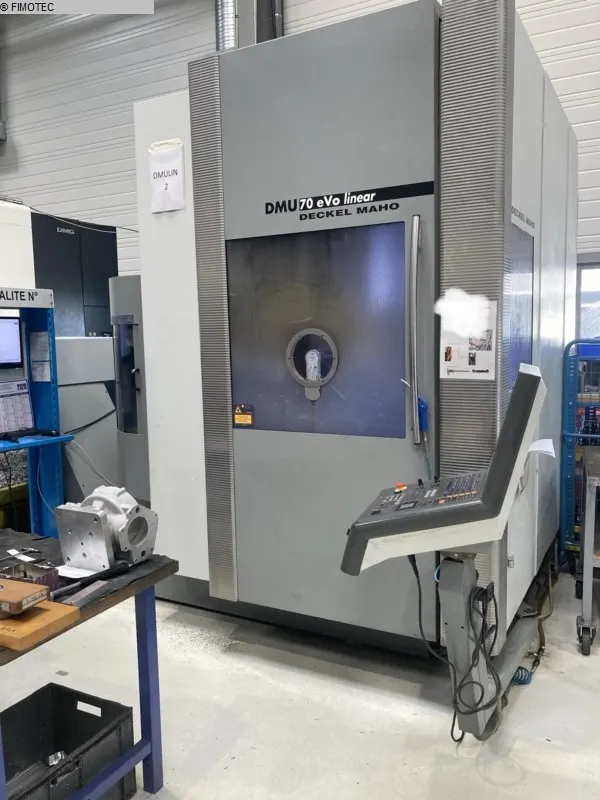
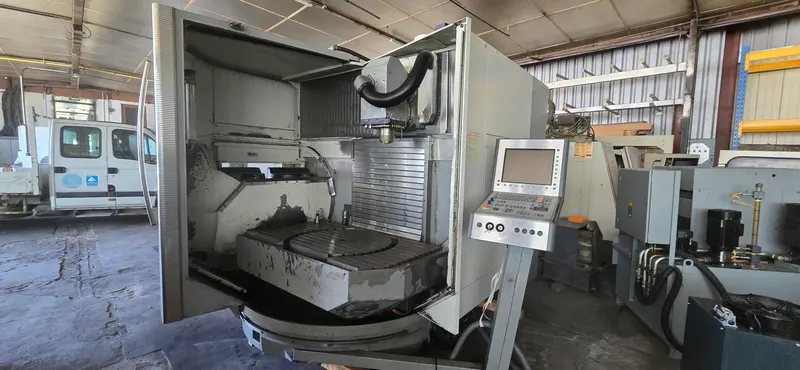
Several machines in stock in Haguenau have a Heidenhain control, for example a Deckel Maho DMU 70 eVolution machining center with an iTNC 530.
Siemens Sinumerik: ShopMill, ShopTurn and G-code
Sinumerik is Siemens' brand of CNC controls, used in milling, turning, grinding and other processes. Among the generations found on the used market:
- the Sinumerik 810 and 820, the first controls of a family launched from 1984 onwards;
- the Sinumerik 840D, released in 1994 for the upper range, followed by the 810D and 802D for smaller machines;
- the 840D sl, from 2005, with interfaces unified on Industrial Ethernet / Profinet.
The ShopMill (milling) and ShopTurn (turning) shop-floor interfaces allow programming by machining steps with little training. Siemens presents them alongside G-code programming, and since the Sinumerik Operate interface (2009), DIN 66025 programming and shop-floor programming share the same environment.
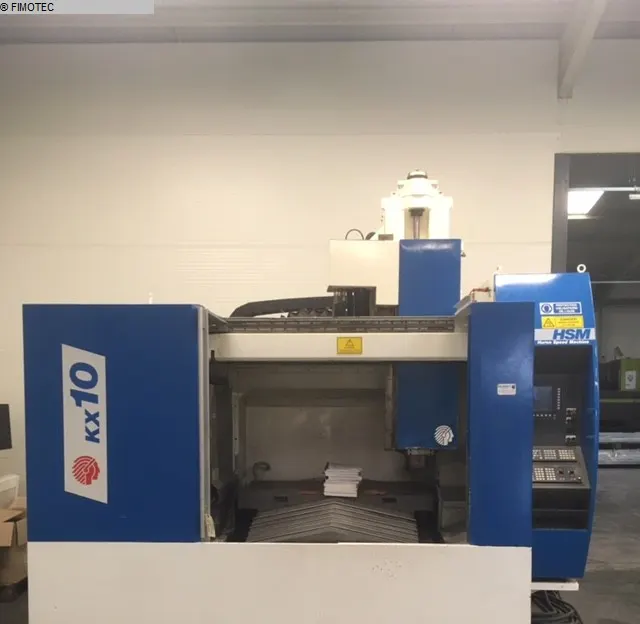
Example in stock: a Huron KX 10 machining center with a Siemens 840D ShopMill.
Fanuc: G-code at the heart of the control
Fanuc, a Japanese manufacturer that grew out of Fujitsu, has equipped a very large number of machines: from the 1970s to the 1990s, many machine builders standardised on Fanuc controls to reduce compatibility problems. Its CNC controls are built around G-code.
The name of a Fanuc control tells you what it is for: the series number is followed by a letter, M for milling, T for turning, TT for twin-turret lathes. For the 0 series, the digit zero and the letter O are used interchangeably: "0M" and "OM" refer to the same family. On a used machine listing, "Fanuc 18 M" therefore means a milling control of the 18 series.
Examples in stock: a Sigma Mission 2 machining center with a Fanuc 18 M and a Biglia B565-SM lathe with a Fanuc Series 32i.
What really matters on a used control
Operator and programmer habits
Changing control means changing screens, cycles, and the way datums are set and tools measured. If the shop already has machines with the same control, operators move from one machine to another more easily and existing programs are more likely to be reusable. Otherwise, plan for a learning period.
The CAM post-processor
When programs come from CAM software, a post-processor translates the toolpaths into the code the machine expects. Before buying, check that your CAM system has a post-processor suited to the control / machine combination (kinematics, rotary axes, cycles), or can obtain one.
Parts and service for older generations
A control from the 1990s is generally no longer the one its maker offers today. Before committing, find out about the availability of parts, repairs and support for that generation, from the control maker or from specialised repairers.
Data transfer
Older controls often communicate over an RS-232 serial link; some originally had only a punched-tape reader. PC-based controls, which appeared from the 1990s, can be connected to a network. Some use their own protocols, such as LSV2 on Heidenhain or DNC2 on Fanuc. When the control's memory is too small for a long CAM program, the program can be sent block by block from a computer (DNC). Check which interface is actually present on the machine and how to connect it to your workstation.
Backups and parameters
The control is adapted to each machine by the machine builder: parameters, integrated PLC, specific cycles. Ask whether backups of the machine parameters, programs and tool tables exist, and keep them with the documentation: they can prove valuable in the event of a failure or of work on the control.
Reading the control on our listings
Each machine page in our stock shows the control recorded on the machine, next to the specifications recorded on the machine and, when available, the manufacturer's data. The price is given on request, and every request is answered within 48 working hours. If the machine you need is not in stock, we can search for it for you.